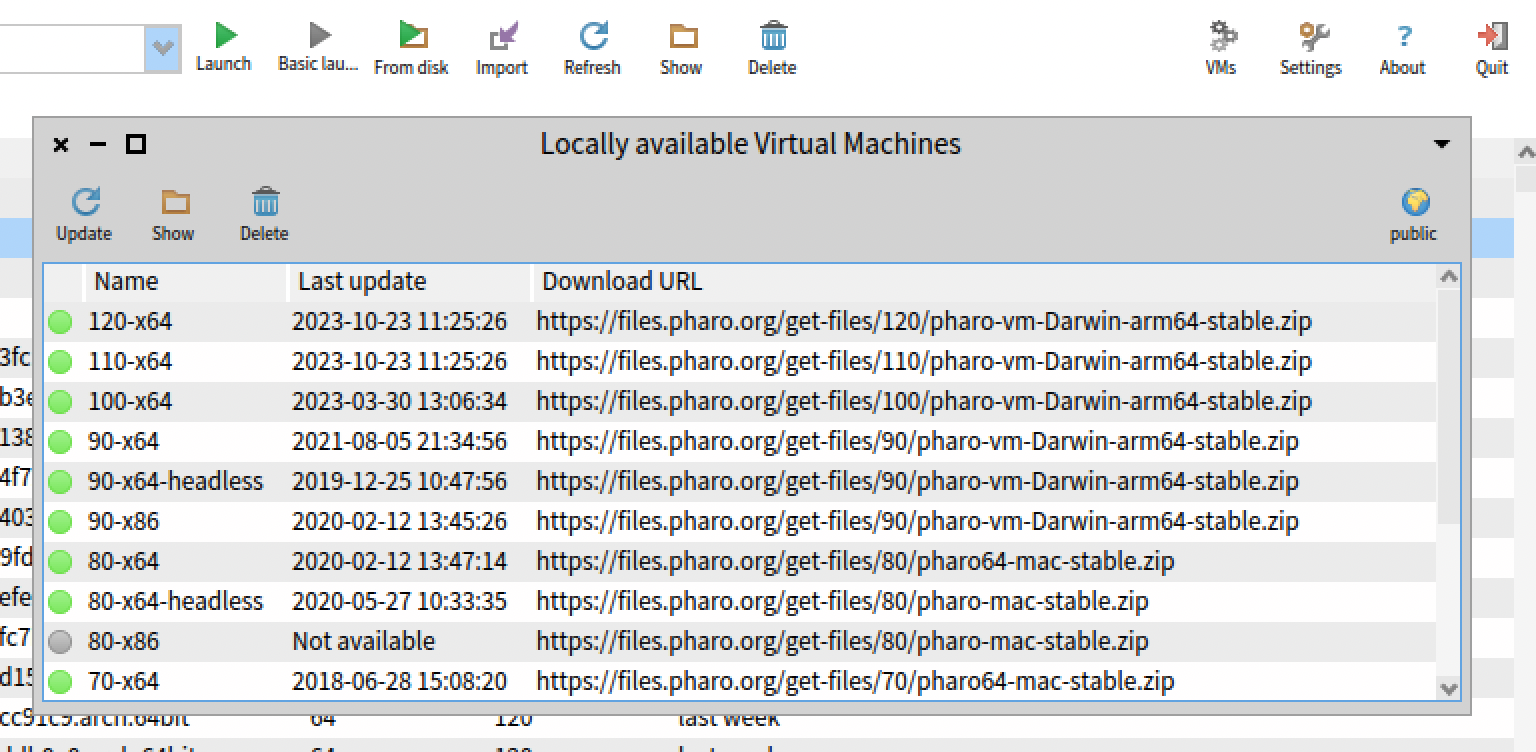
In the launcher? There is a âVMsâ button on the top right that will open a dialog. Then you need to click on the VM to update and click on update. G
El 23 oct. 2023, a las 16:08, Miloslav.Raus--- via Pharo-dev <pharo-dev@lists.pharo.org> escribió:
Hi
how exactly does one do this on Windows, without violating the "msi contract" (i.e. one was as dumb enogh to install the proposed msi package some time back) ? Ie. I'm perfectly capable of overwriting the VM, but don't tell me it's the right thing to do" (tm).
M.R.
From: Guillermo Polito <guillermopolito@gmail.com> Sent: Monday, October 23, 2023 2:25:32 PM To: Pharo Development List; Any question about pharo is welcome; pharo-vm@lists.pharo.org Subject: [Pharo-dev] VM Release 10.0.8
Hi all,
TL;DR; update your launcher VMs and your download scripts!
There is a new VM version: release 10.0.8 which fixes, among others, a performance regression that showed in some cases that overly relied on the interpreter. See below the changes log, and for those interested, the fix for the performance issue is here: https://github.com/pharo-project/pharo-vm/pull/705 <https://github.com/pharo-project/pharo-vm/pull/705>
What's Changed
Fixes #14768: File class>>primFileAttributesð· answers corrupted result by @akgrant43 <https://github.com/akgrant43> in #697 <https://github.com/pharo-project/pharo-vm/pull/697> Fix/speed regression by @tesonep <https://github.com/tesonep> in #705 <https://github.com/pharo-project/pharo-vm/pull/705> Full Changelog: v10.0.7...v10.0.8 <https://github.com/pharo-project/pharo-vm/compare/v10.0.7...v10.0.8>