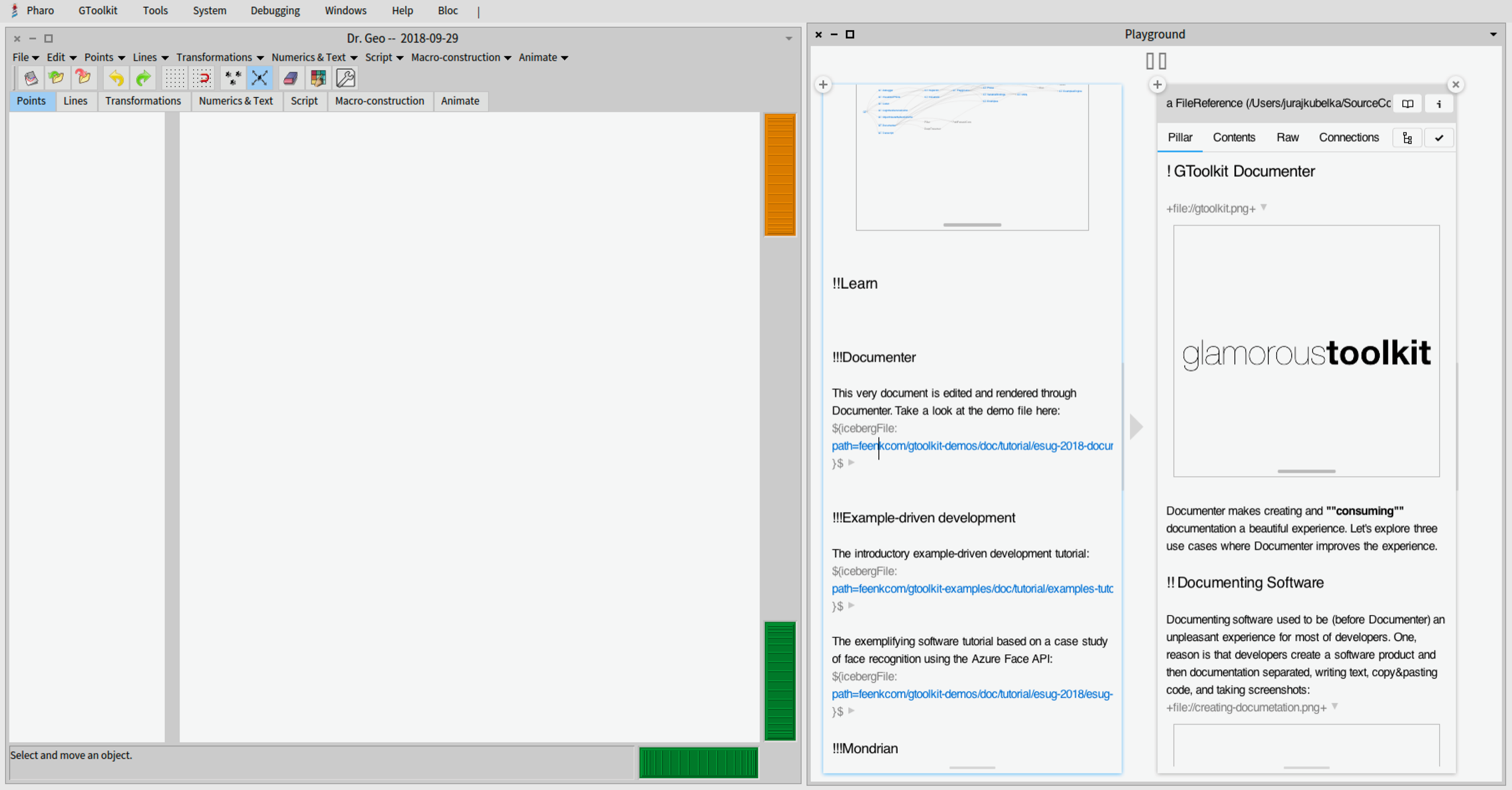
Hi Hilaire, I was able to install both, DrGeo and GToolkit in Pharo 7.0 image: It takes time, but it is possible :-) I hope it helps. Juraj
On Sep 29, 2018, at 10:49, Juraj Kubelka <juraj.kubelka@icloud.com> wrote:
Hi Hilaire,
On Sep 27, 2018, at 14:58, Hilaire <hilaire@drgeo.eu <mailto:hilaire@drgeo.eu>> wrote:
Le 27/09/2018 à 16:52, Juraj Kubelka via Pharo-users a écrit :
On Sep 27, 2018, at 10:41, Hilaire <hilaire@drgeo.eu <mailto:hilaire@drgeo.eu> <mailto:hilaire@drgeo.eu <mailto:hilaire@drgeo.eu>>> wrote:
Thanks for the tips. Where should be key in this text?
What do you mean? You can edit the text as you wish.
Do not forget, what is obvious for one may not be for another. I could write a book full of anecdotes with obvious features in DrGeo not so obvious for a newbie.
Definitely. You question is valid. I was not sure how to help.
So you write this text in playground and inspect?
Well, there are basically two ways to start using Documenter. In both cases it happens in the GT Inspector.
First, you can inspect a class and write a Documenter document as a class comment (Comment inspector tab). Second, you can create a a-file.pillar local file and inspect it (âa-file.pillarâ asFileReference).
Let me know if it helps.
By evaluating and inspecting:
-=-=-=- GtDocumenter editorForText: 'This is a Dr. Geo tutorial. Evaluate the following script:
[[[ "A Dr. Geo script that returns DrGeo canvasâ ]]]
Extensions are done using ==<gtView>== pragmas. ' -=-=-=-
I have a text editor in an inspector where I can edit the Documenter content.
Do you have the same?
No, never saw that. I installed from: Metacello new baseline: 'GToolkit'; repository: 'github://feenkcom/gtoolkit/src <github://feenkcom/gtoolkit/src>'; load.
I went installing DrGeo along Documenter in P6.1, but it is stalled when installing XML dependecies (a bit old, true).
Conflict with XML? or Issue with DrGeo on P6.1, may be both.
How can I install DrGeo? I do not see a Monticello script on the DrGeo.eu <http://drgeo.eu/> <http://DrGeo.eu <http://drgeo.eu/>> web page.
I am afraid it is a bit tedious at first as it is not github based, but Launchpad. Read INSTALL file for full instruction: https://bazaar.launchpad.net/~drgeo-developers/drgeo/trunk/view/head:/src/IN... <https://bazaar.launchpad.net/~drgeo-developers/drgeo/trunk/view/head:/src/IN...>
I have checked GToolkit dependencies and there is no XML project involved:
<Screen Shot 2018-09-29 at 10.43.15.png>
This is so fragile.
Keep in mind that GToolkit, including Documenter, is in alpha version.
I did not have GToolkit in mind when I wrote fragile, more likely the whole Smalltalk things. As I wrote in my previous email, my issue was when installing DrGeo on a P6.1 image with GToolkit already installed. I am not sure about why the process was hanging when installing XML's Dr. Geo requirement. The image is then frozen Ok may be I can't install DrGeo on P6.1, I still have error (screenshot). In the other I failed to installing GToolkit on P7.
We updated GToolkit this week to work in Pharo 7. At least you should be able to load it and open Documenter (or GToolkit tour from World menu). Can you give a try?
Juraj
Hilaire
-- Dr. Geo http://drgeo.eu <http://drgeo.eu/>
<Capture du 2018-09-27 19-48-36.png>