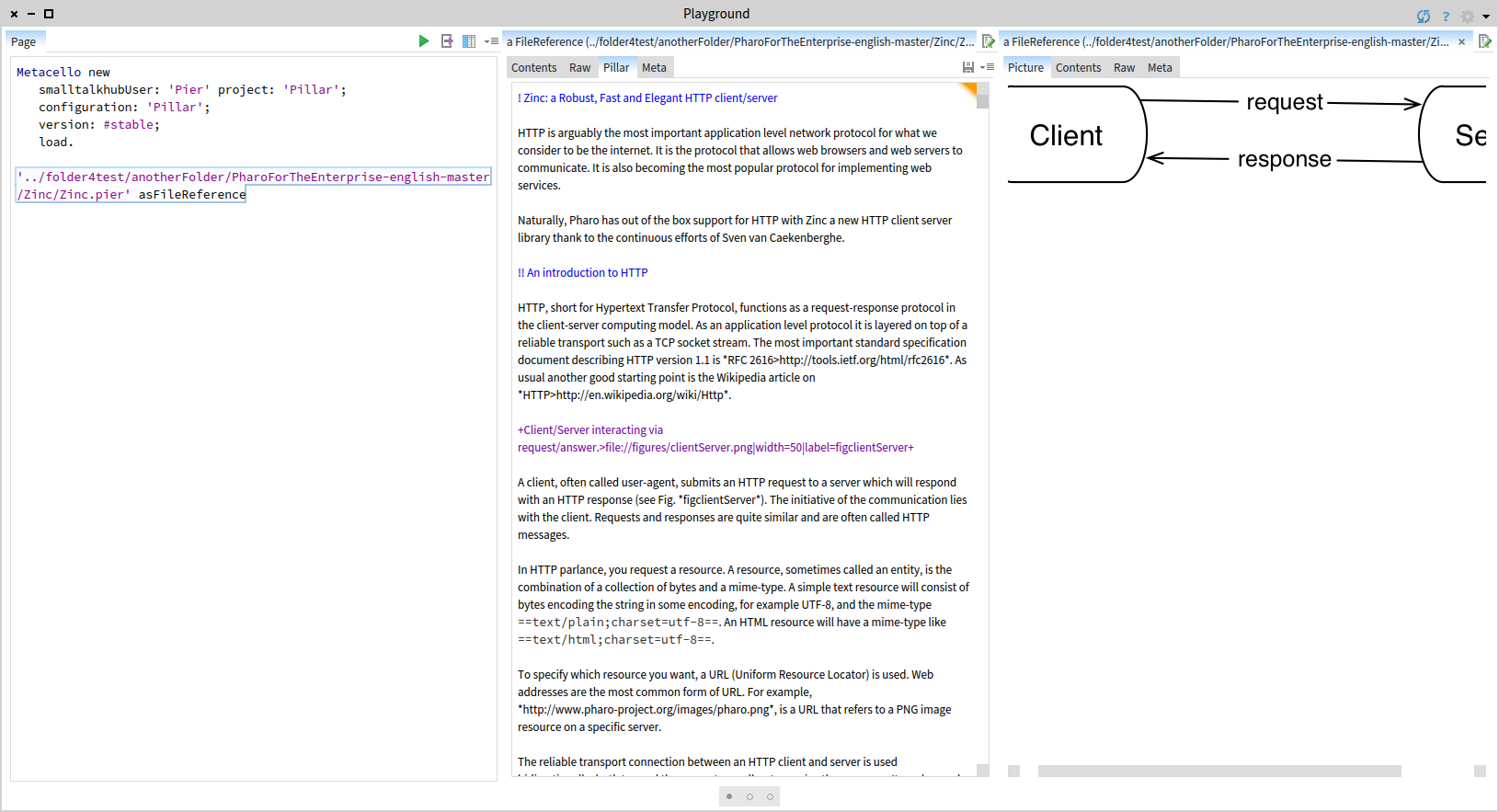
Hi, I did not check what is in the Catalog, but you can load the #stable version through Metacello like this: Metacello new smalltalkhubUser: 'Pier' project: 'Pillar'; configuration: 'Pillar'; version: #stable; load. If you inspect a .pillar or .pier file and you get something as seen below. In this specific case, I clicked on the picture reference (the one with magenta) and I got the preview to the right. Cheers, Doru
On Aug 29, 2017, at 10:31 PM, Stephane Ducasse <stepharo.self@gmail.com> wrote:
I did not know it :) so this is cool. Today we improved the makefile logic and I'm about to finish a hack to give the possibility to the makefile to be fully generic. After I will finally look at Luc makefile generator because we want to move more logic to Pharo.
Stef
On Tue, Aug 29, 2017 at 2:20 PM, H. Hirzel <hannes.hirzel@gmail.com> wrote:
On 8/28/17, Norbert Hartl <norbert@hartl.name> wrote:
Am 26.08.2017 um 12:56 schrieb Tudor Girba <tudor@tudorgirba.com>:
In an image having Pillar, inspect a Pillar file. Something like this:
âpath/to/file.pillar' asFileReference
I downloaded a 6.1 image, loaded pillar from catalog and inspected
'foo.pillar' asFileReference
and I get
The same result here.
Looks like there are additional steps needed.
Norbert
If I do
PRPillarParser parse: 'myExample.pillar' asFileReference contents
I get a nice display of the Pillar Document Object Model and the results after using different exporter objects (HTML, DeckJS, Markdown, AsciiDoc, Beamer, LaTeX)
But no Pillar editor.
--Hannes
-- www.tudorgirba.com www.feenk.com "There are no old things, there are only old ways of looking at them."