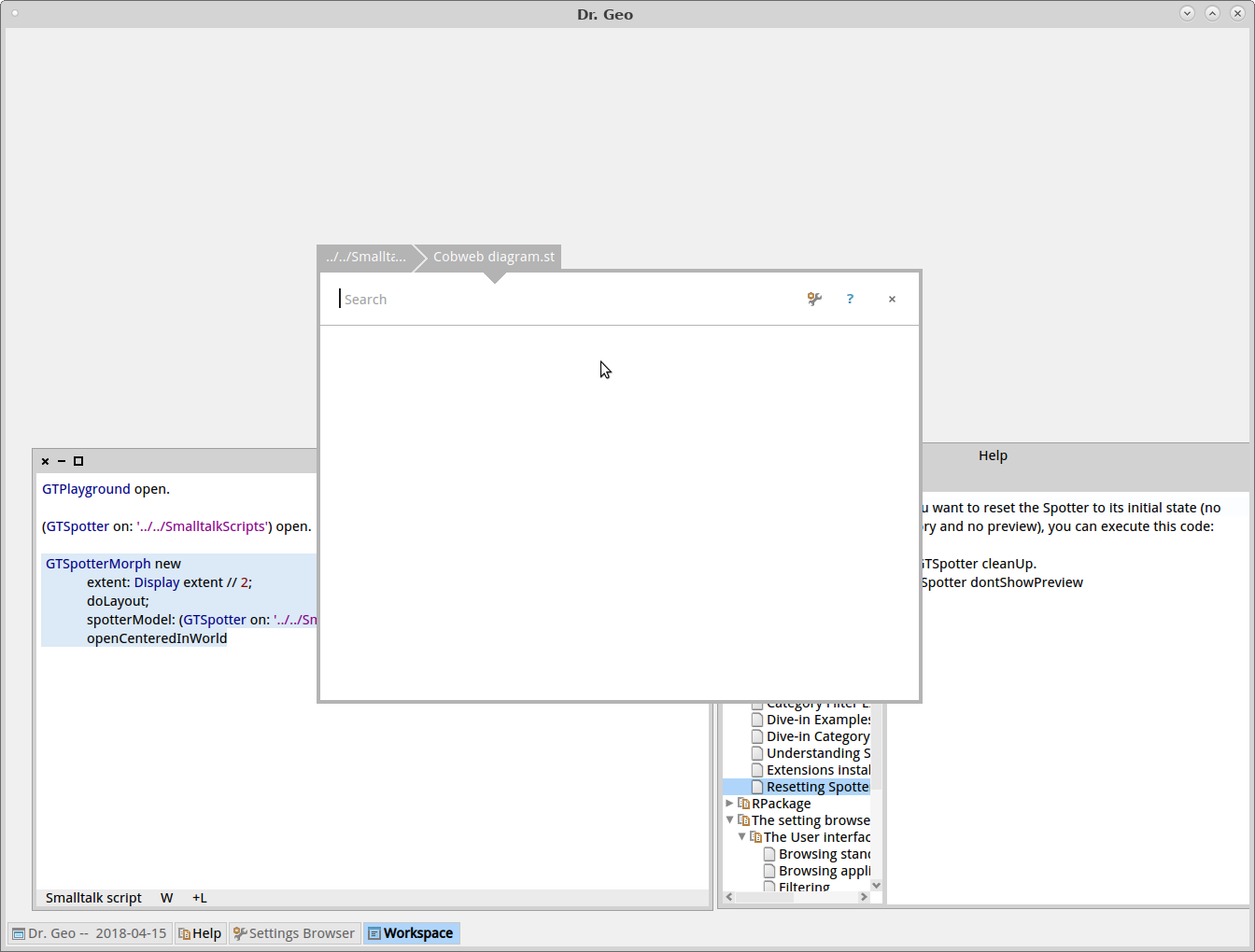
Hi, Same question asked there http://forum.world.st/Pharo-4-Playground-open-file-menu-tt4823334.html. I tried to follow the suggested solutions: 1) Following article: http://www.humane-assessment.com/blog/managing-external-pharo-scripts-with-g... Accessing to DrGeo SmalltalkScripts folder from Spotter, it works when the user input ../../SmalltalkScripts. As it is not a discoverable features for the user, I want to add a menu entry in the world menu to open Spotter with path ../../SmalltalkScripts already set. I tried:  GTSpotterMorph new       extent: 400@500;       doLayout;       spotterModel: (GTSpotter on:DrGDefault mySketchesPath parent / 'SmalltalkSketches' );       openCenteredInWorld (Btw, the descriptions in the Settings browser concerning Spotter are still broken.) When dive-in the display script is empty, any idea? I have to Enter to get it seens in an inspector. Moreoever I see one minor issue: Spotter looks at relative path relatively from the folder where the image was built not from where it is runned. Note: FileBrowser properly open relatively to the path where it is runned. 2) I tried the complementary approach with play-cache, I edited in the setting browser the play cache path to DrGeo SmalltalkScripts. Now when I edit some new scripts in the Playground, I can rename it and it is saved in the SmalltalkScripts. Now when exploring, the SmalltalkScripts, there are several additionnal file not meaning full for the enduser. Is there a way for Playground to only save one file as pageName.st? An interesting option will be for me to add two menu entries in GTPlayground to load/save script. Is it possible? It will make the user experience a bit easier. Thanks Hilaire -- Dr. Geo http://drgeo.eu