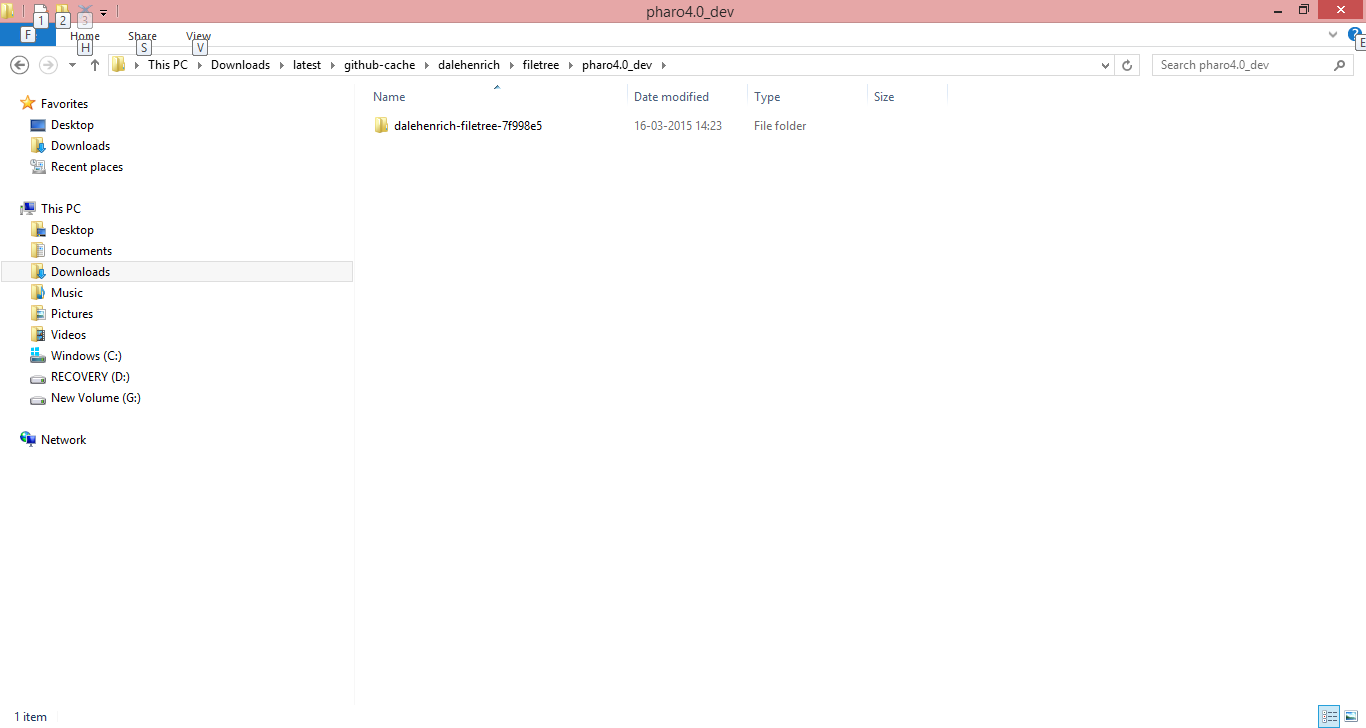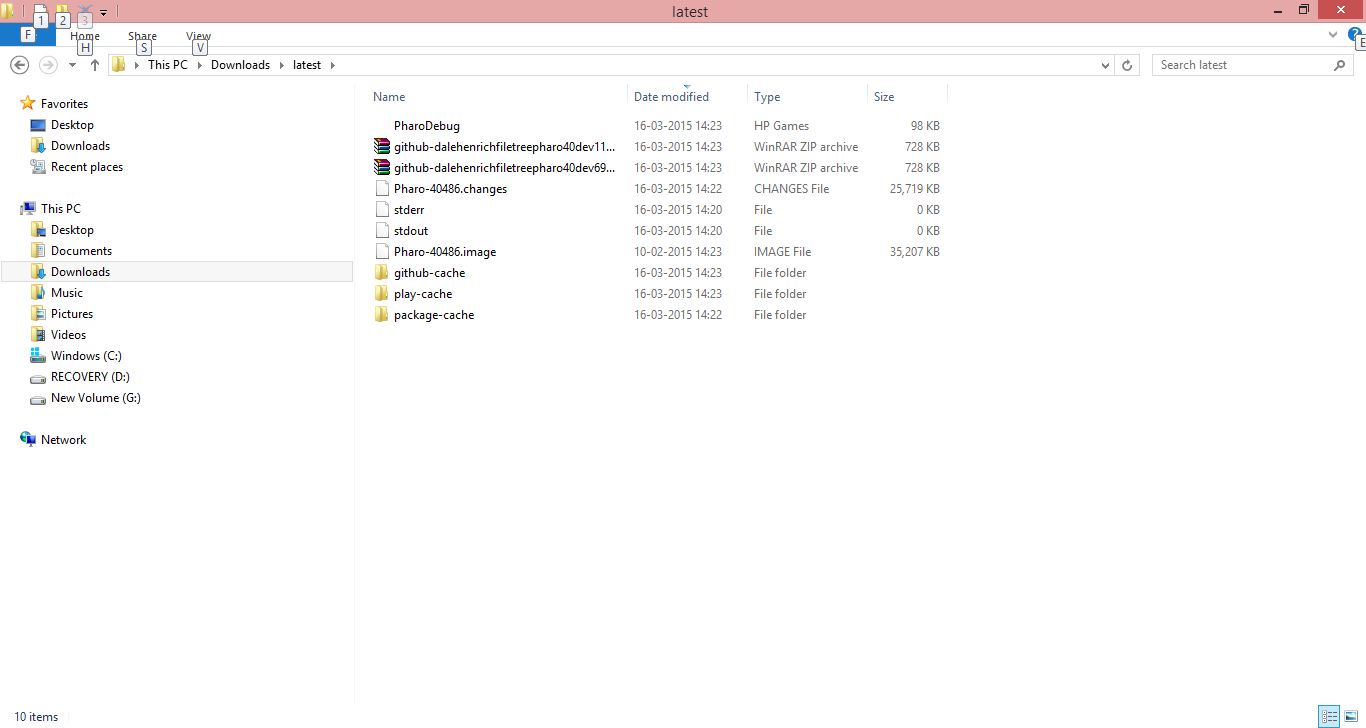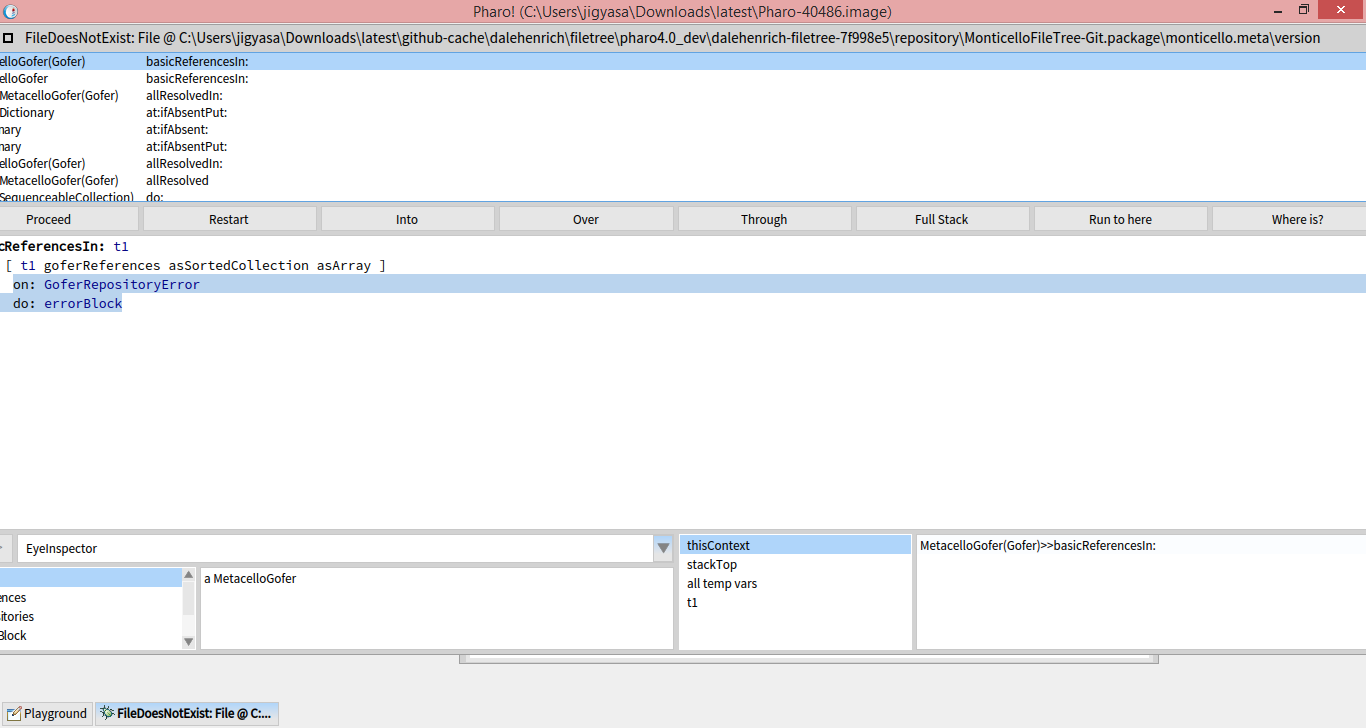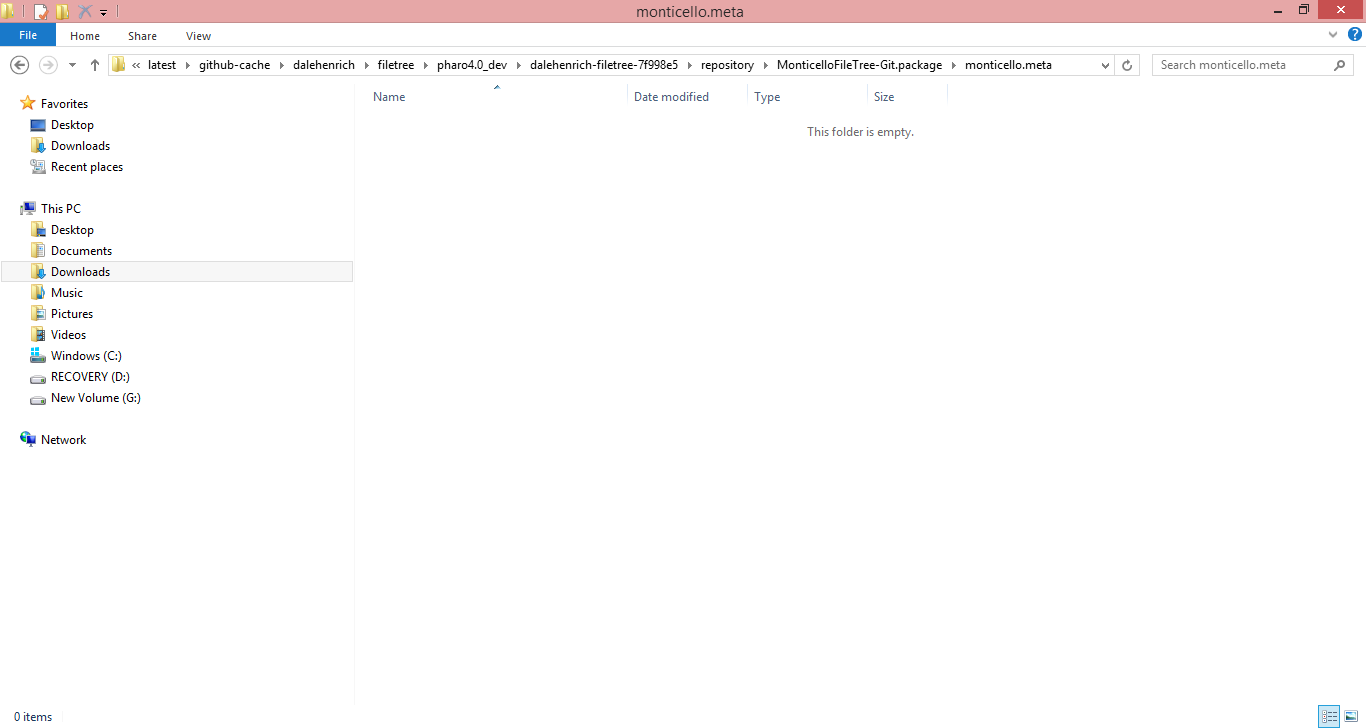
The 'missing' files are present in the zip folder , but they arent in the github-cache folder from where the Pharo is accessing it On Mon, Mar 16, 2015 at 2:51 PM, Thierry Goubier <thierry.goubier@gmail.com> wrote:
Can you check if the missing file is present in the zip, and in the decompressed part on disk?
Note that we are dealing with a Metacello/FileTree error, not a GitFileTree one.
Thierry
2015-03-16 9:56 GMT+01:00 Jigyasa Grover <grover.jigyasa1@gmail.com>:
Yes Sir. I have checked 'em all.
[image: Inline image 2][image: Inline image 1][image: Inline image 4][image: Inline image 3]
On Mon, Mar 16, 2015 at 2:22 PM, Thierry Goubier < thierry.goubier@gmail.com> wrote:
This is strange.
I tried both the Gofer and the Metacello script before replying to you, and they both worked.
Do you have a file named github-dalehenrichfiletreepharo40dev<number>.zip in your pharo repository? Do you have a directory named
github-cache/dalehenrich/filetree/pharo4.0_dev/dalehenrich-filetree-7f998e5
Thierry
2015-03-16 9:43 GMT+01:00 Jigyasa Grover <grover.jigyasa1@gmail.com>:
Sir I have cleared the previous files and tried to load directly from github as directed by you. The error still persists. There are missing files again.
Thanks Jigyasa Grover
On Mon, Mar 16, 2015 at 2:07 PM, Thierry Goubier < thierry.goubier@gmail.com> wrote:
Hi,
an alternative solution is to load directly from github, with:
Metacello new baseline: 'FileTree'; repository: 'github://dalehenrich/filetree:pharo4.0_dev/repository'; load: 'Git'
Missing files may mean a leftover from a previous, failed load attempt.
Thierry
2015-03-16 8:19 GMT+01:00 Jigyasa Grover <grover.jigyasa1@gmail.com>:
Thanks!
The error now says = File missing : ..\repository\MonticelloFileTree-Git.package\monticello.meta\version
What is the way out ?