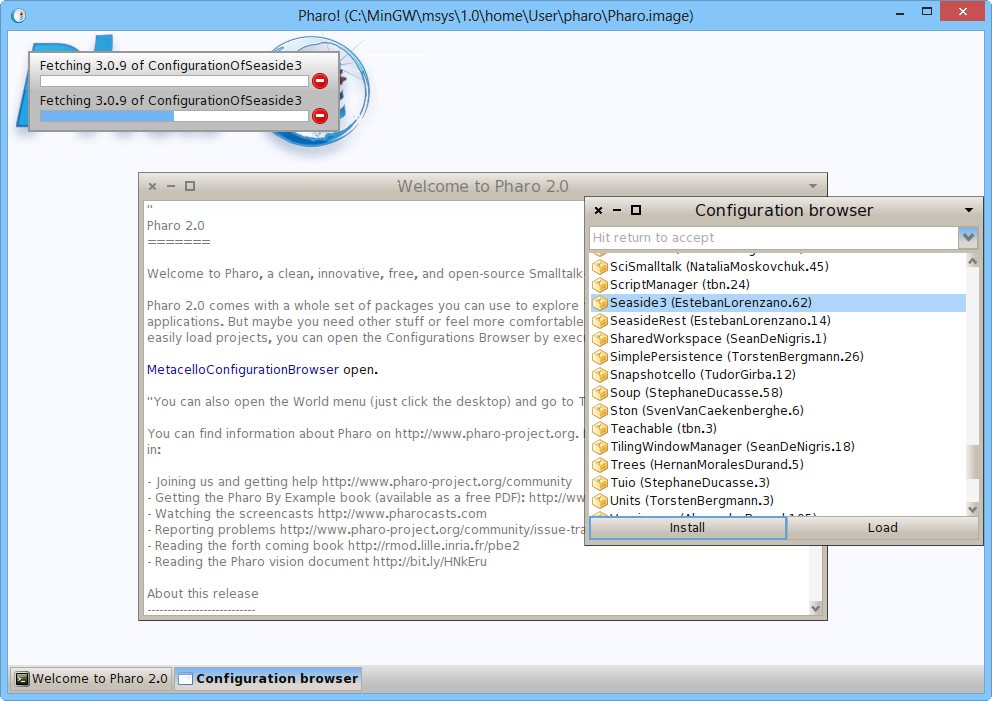
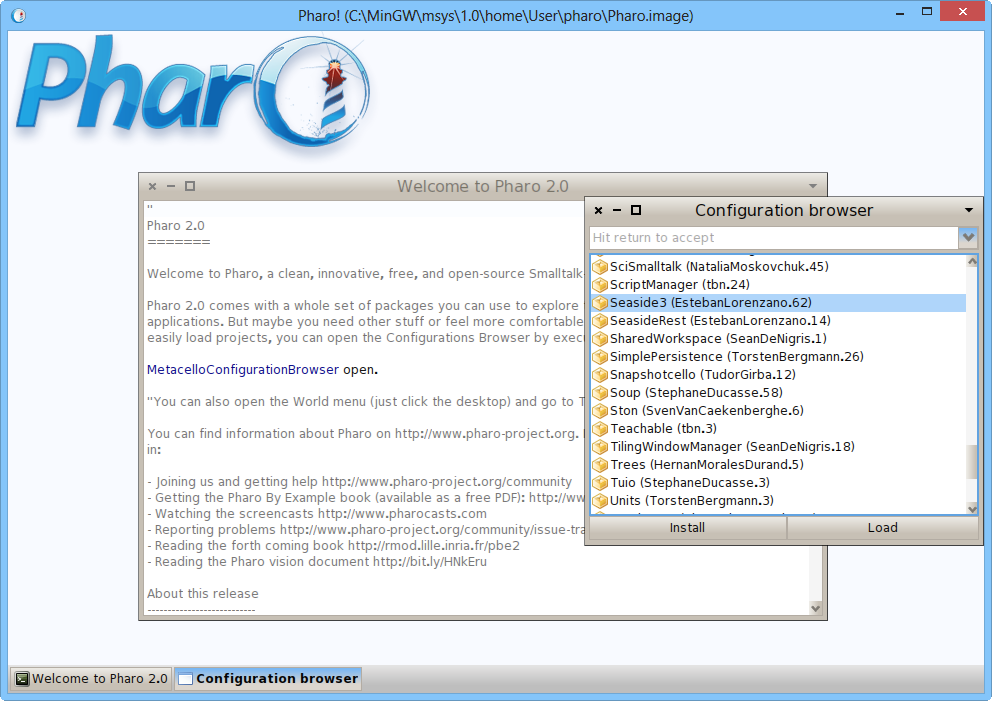
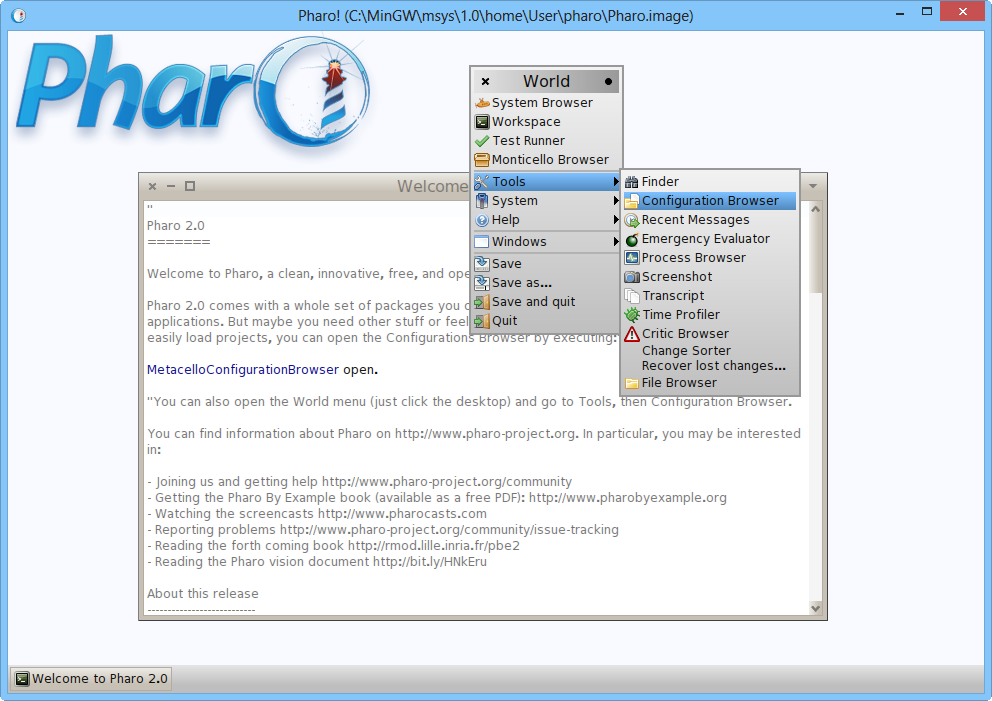
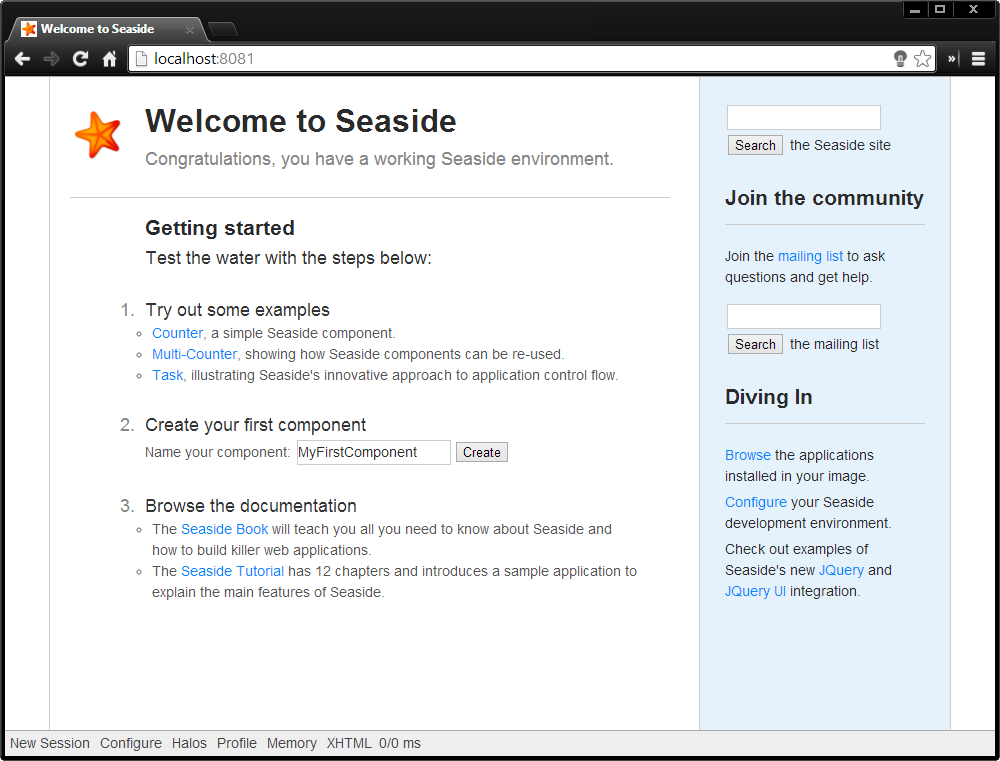
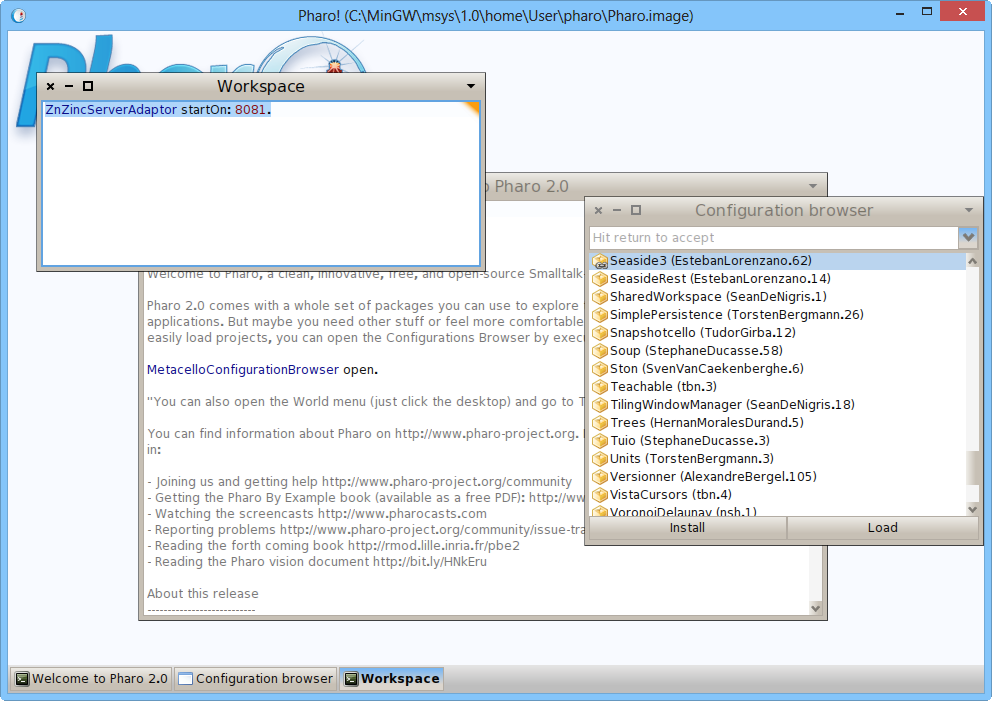
Just load the configuration of Seaside3 in a Windows Pharo2.0: 1: get http://files.pharo.org/platform/Pharo2.0-win.zip 2: click on Pharo.exe 3: go to the configuration manager[image: Inline image 1] 4: Select the Seaside 3 configuration. Click on Install. [image: Inline image 2] 5. Wait while it loads. Takes a couple of minutes on an i7 and a decent network link. [image: Inline image 3] 6. Open a Workspace and start a ZincServerAdaptor on the port you like (here 8081): [image: Inline image 4] 7: Access Seaside from your browser: [image: Inline image 5] You are now up and running. Head now to http://book.seaside.st for the next steps. Enjoy, Phil On Tue, Dec 3, 2013 at 5:49 PM, sminni <sm@planage.com> wrote:
What do I need to do for a Windows Environment pls
----- --- Regards, Sanjay -- View this message in context: http://forum.world.st/Seaside-on-Pharo-3-0-tp4726765p4727102.html Sent from the Pharo Smalltalk Users mailing list archive at Nabble.com.