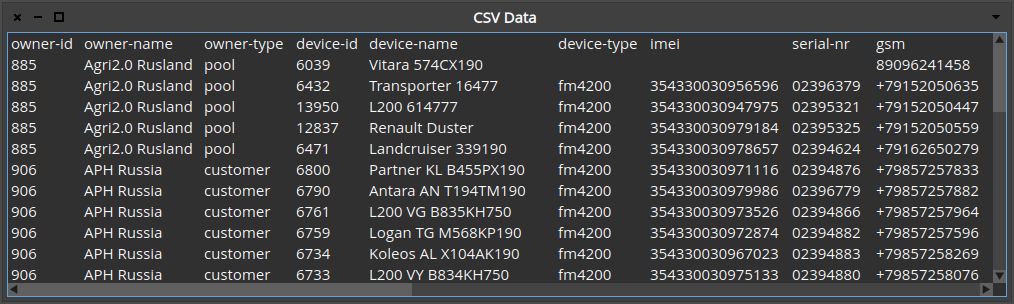
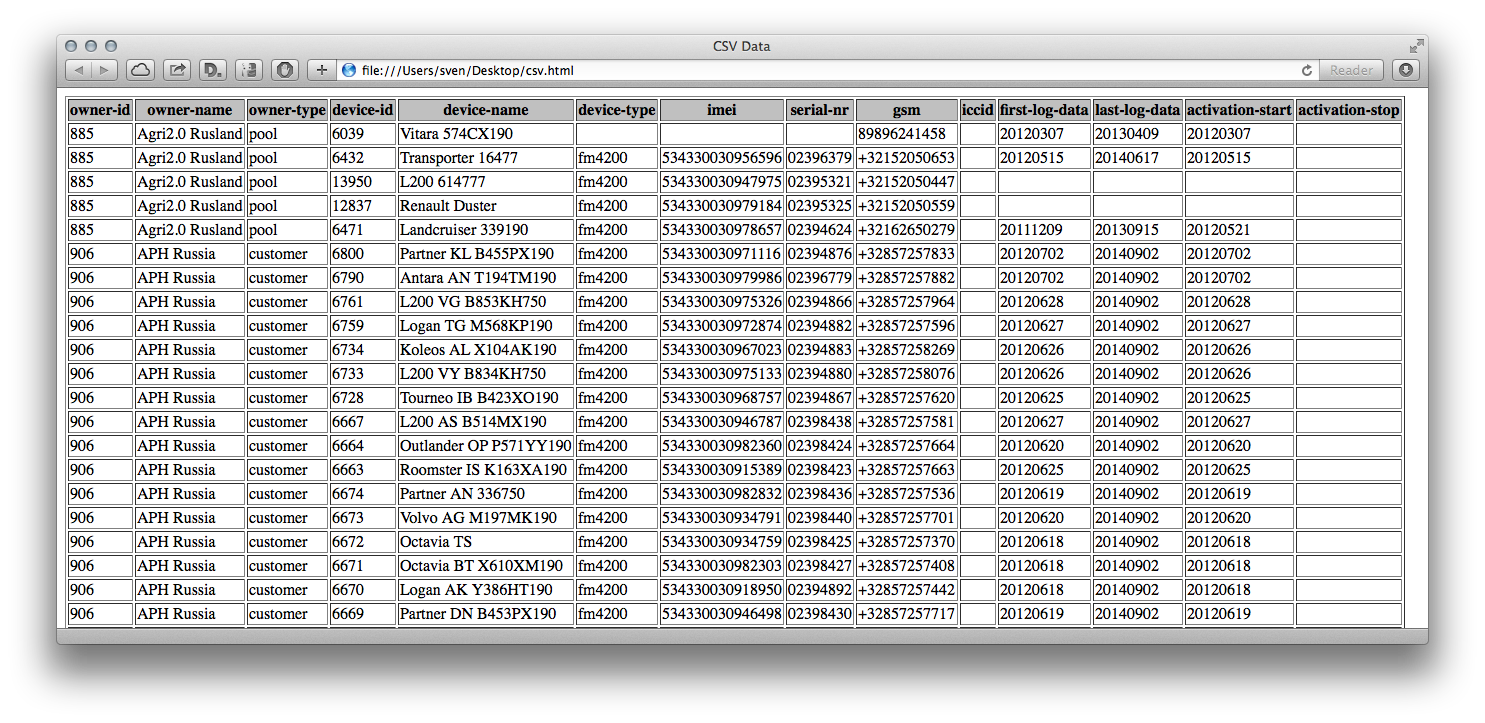
Hi, Today I came across some bash code on a web page that loves Smalltalk, ah the horror ;-) http://car.mines-douai.fr/2014/09/csv2html/ The goal is to make it easier to look at CSV data, for which a conversion to HTML was done. To just look at CSV data in a nice tabular form, we do not have to leave Pharo at all. MultiColumnListModel new items: (FileLocator desktop / 'test.csv' readStreamDo: [ :in | (NeoCSVReader on: in) emptyFieldValue: ''; upToEnd ]); displayBlock: [ :x | x ]; title: 'CSV Data'; openWithSpec. Which results in this nice window: To do a conversion to HTML, debugging the code in Pharo should be preferable to doing the same with bash & sed (for most of us anyway). FileLocator desktop / 'csv.html' writeStreamDo: [ :out | | reader | out << '<html><head><title>CSV Data</title></head><body><table border=1>'. reader := NeoCSVReader on: (FileLocator desktop / 'test.csv') readStream. reader emptyFieldValue: ''. out << '<tr bgcolor=silver>'. reader readHeader do: [ :each | out << '<th>'; << each; << '</th>' ]. out << '</tr>'. reader do: [ :each | out << '<tr>'. each do: [ :td | out << '<td>'; << td; << '</td>' ]. out << '</table></body></html>'. reader close ]. Which gives the following output: NeoCSVReader is way more powerful in interpreting CSV files than a simple sed one-liner. Doing the same for a collection of files is easy. Maybe a little browser could even be written. Who knows, maybe Doru will add another tool to GT (TableViewer class>>#openStructuredOn: would do the trick I guess) ;-) Sven PS: The bash script was actually quite well written, even I could read/understand it. Thanks for sharing, it was the inspiration to do this little hack.