April 7, 2014
6:53 a.m.
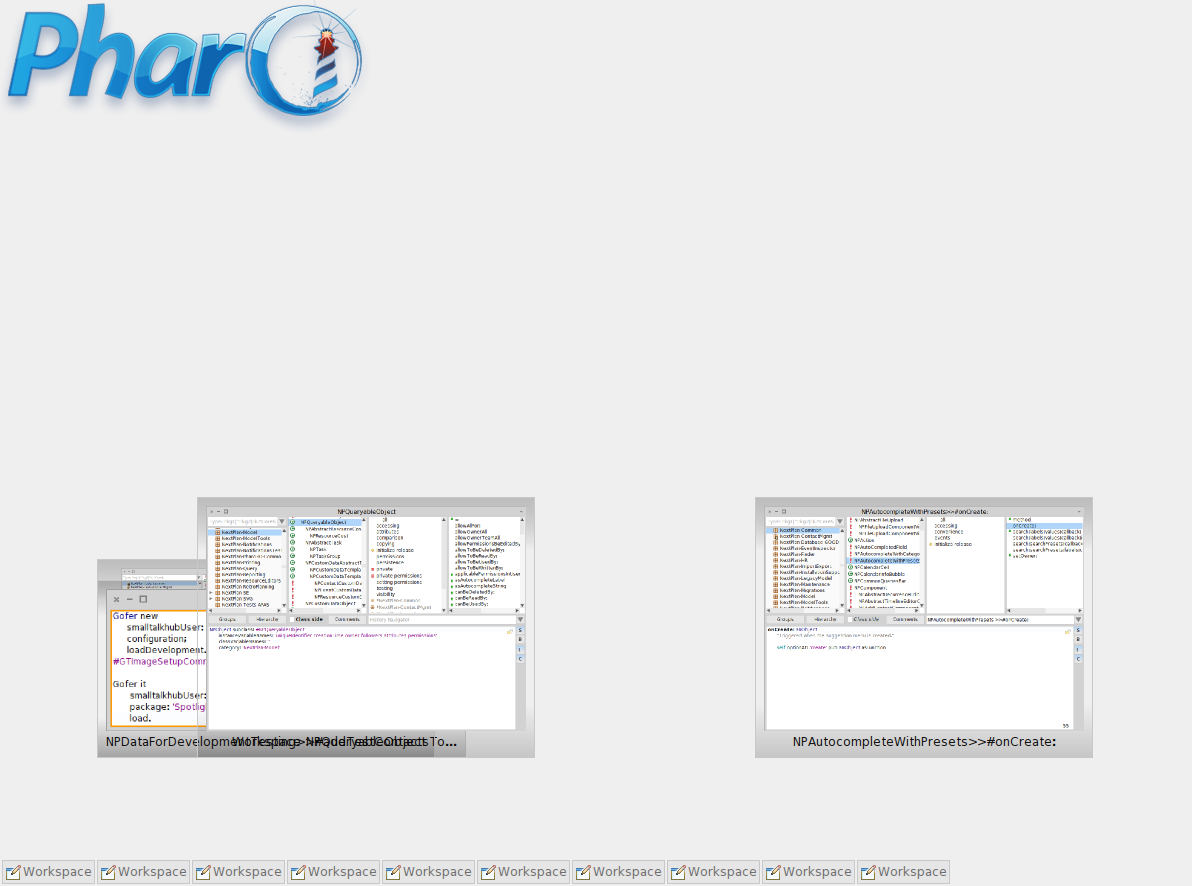
Hi there, I often get in a situation where 'ghost windows' remain in the Pharo window (see screenshot). These windows are closed (see taskbar) and I cannot select nor click these ghost windows to remove them. Is there a way to remove them programmatically? They cause visual clutter when working with multiple real windows and I do not want to rebuild an entire development image each time this occurs. Though this is in Pharo3, I think I occassionally had these in Pharo1.4 as well. cheers Johan