Strange behaviour when commit+push with Iceberg

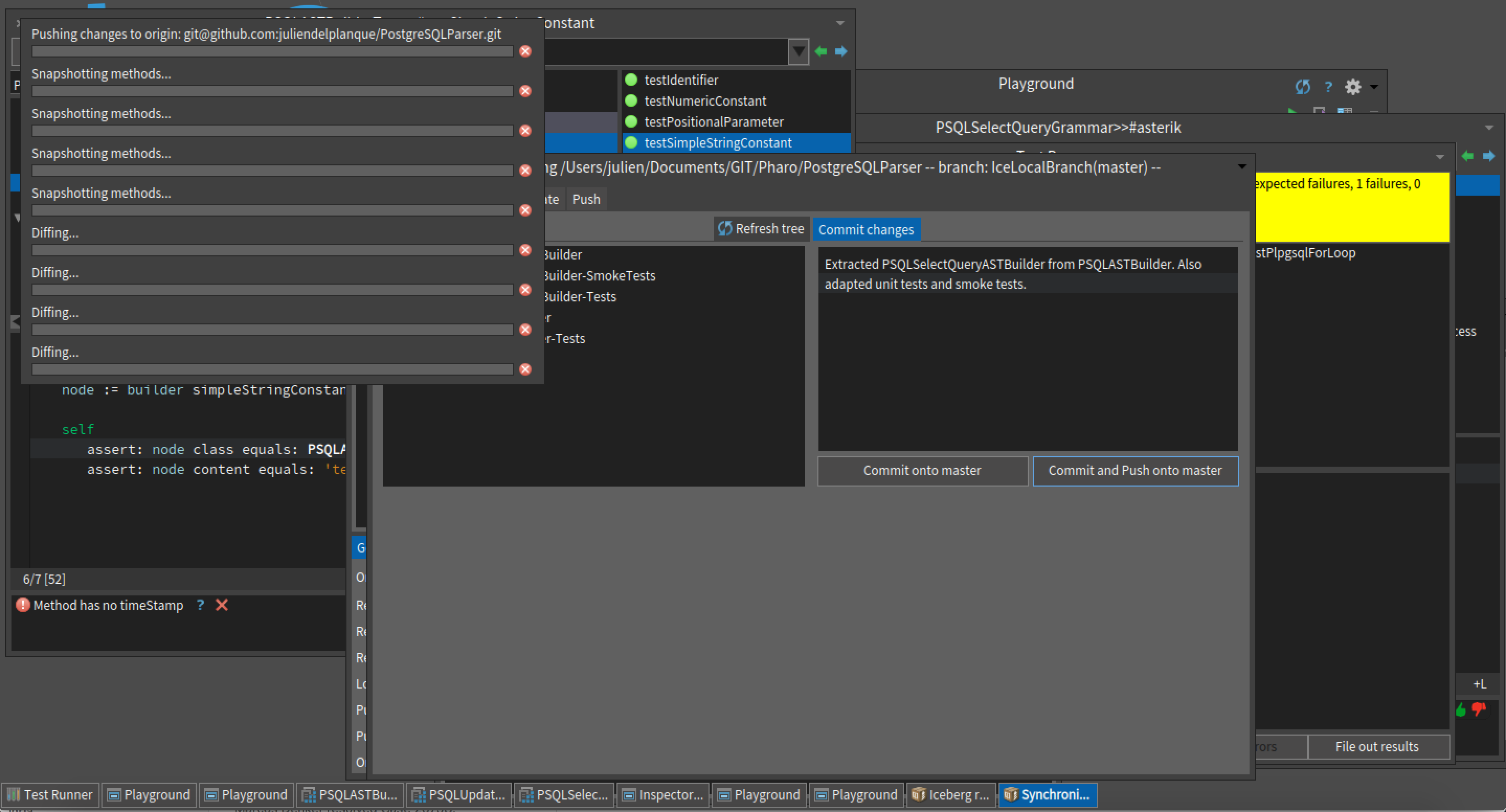
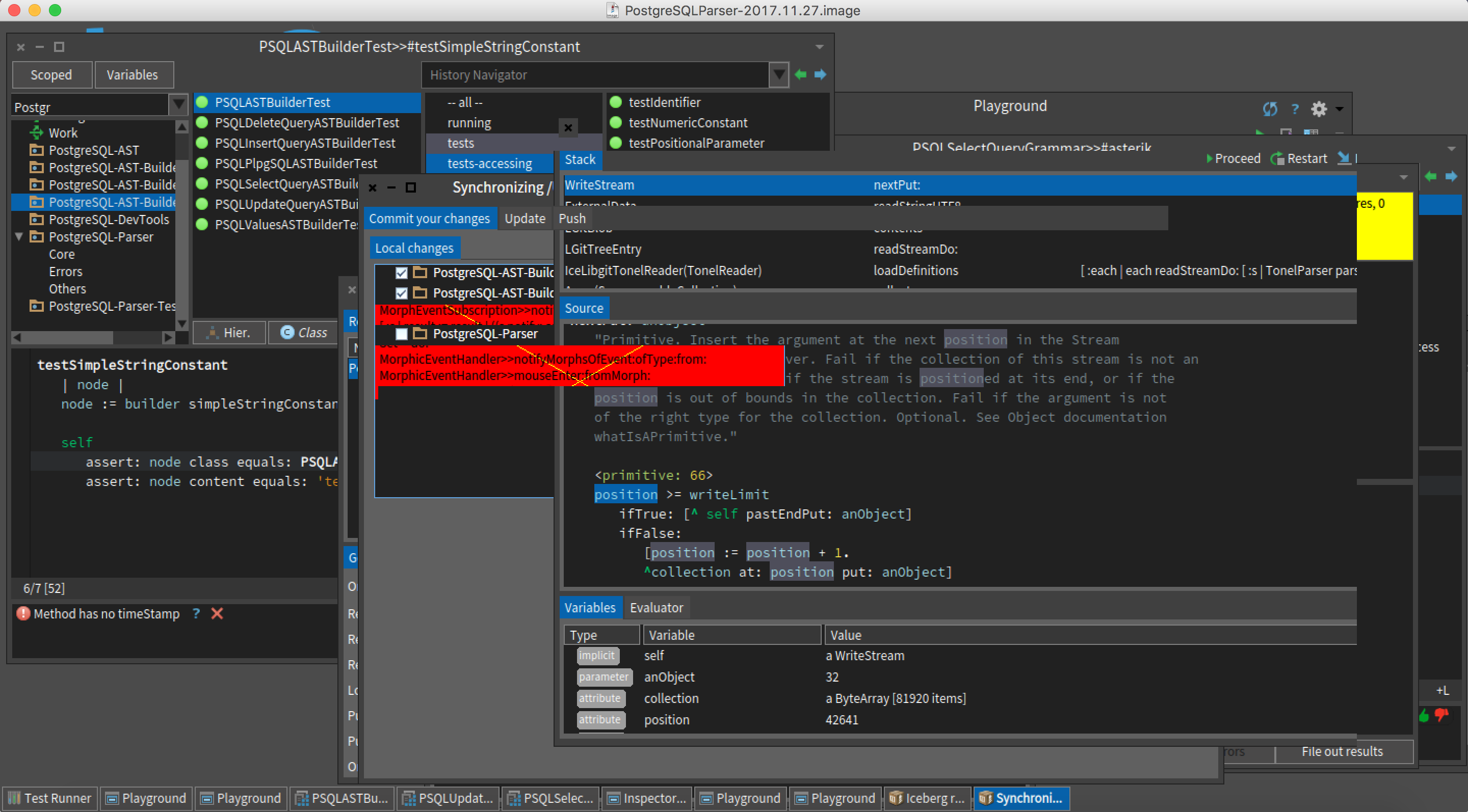
Hello, Sometimes, when I do « commit and push » with Iceberg, I got this strange behaviour (see1st screenshot). I **must** interrupt the process to stop this madness. Then, I get even weirder things related to morphic (see the other screenshot). Then my image come back to a normal state and the commit + push have been performed. I hope this feedback can be helpful. I understand it may be too abstract description to fix the problem but I can not provide a formal way to reproduce this bug. Nevertheless, I thought I should report this behaviour which is not normal. Except this, I use Iceberg everyday for my projects now and yet it works well for me (I guess I have the right workflow that avoid problems). --- Julien Delplanque http://juliendelplanque.be/phd.html Doctorant à lâUniversité de Lille 1 Equipe Rmod, Inria Numéro de téléphone: +333 59 35 86 40

Hi Julien, On 28 November 2017 at 21:34, Julien <julien.delplanque@inria.fr> wrote:
Hello,
Sometimes, when I do « commit and push » with Iceberg, I got this strange behaviour (see1st screenshot).
I **must** interrupt the process to stop this madness. Then, I get even weirder things related to morphic (see the other screenshot).
Then my image come back to a normal state and the commit + push have been performed.
Similar screen corruption has been reported when there are two or more Morphic UI Processes. If you open a process browser (world menu -> Tools -> Process Browser), look for "Morphic UI Process". Terminate all the processes that aren't "Morphic UI Process: nil". Cheers, Alistair
participants (2)
-
 Alistair Grant
 -
 Julien