What happened to Pharo's Window?

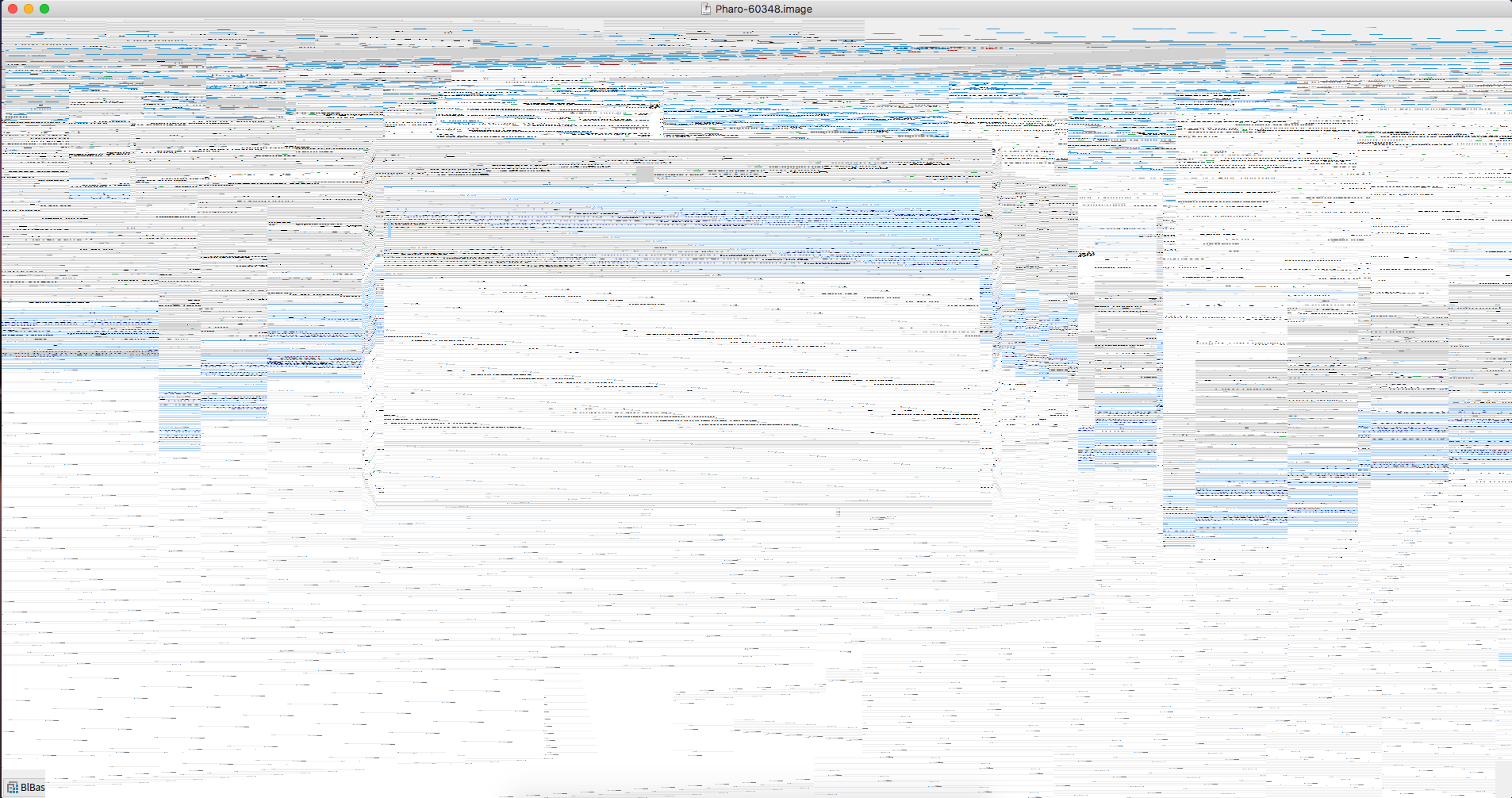
Hi Latest Pharo VM + image (from year 2017, middle of January) changed the way how main window is managed and created (without any announcement). Something is really messed up, because I can not create an OpenGL context. OpenGL context created with default framebuffer: [image: Inline images 1] If I create a headless context than screen just freezes until I resize (after resize it recreates context making it current). Also, window is a black (or sometimes white) when launching pharo until I click. It definitely looks like Pharo window plays with OpenGL, probably it tries to render morphic in a GL texture and then display it with acceleration: scaled pharo world became sharper on retina and strange lines after dragged window are in the past. Also, rendering performance on retina is dramatically improved. All those improvements are great, but please make GL context current ( *glXMakeCurrent) *every frame. Thanks!
To not forget, OSWindow also does not work anymore. Ronnie has minheadless 64bit VM that solves the issue with OSWindow. Would be nice to have it for 32bit too. It is great to see how VM is progressing! :) Cheers, Alex On 21 January 2017 at 17:35, Aliaksei Syrel <alex.syrel@gmail.com> wrote:
Hi
Latest Pharo VM + image (from year 2017, middle of January) changed the way how main window is managed and created (without any announcement).
Something is really messed up, because I can not create an OpenGL context.
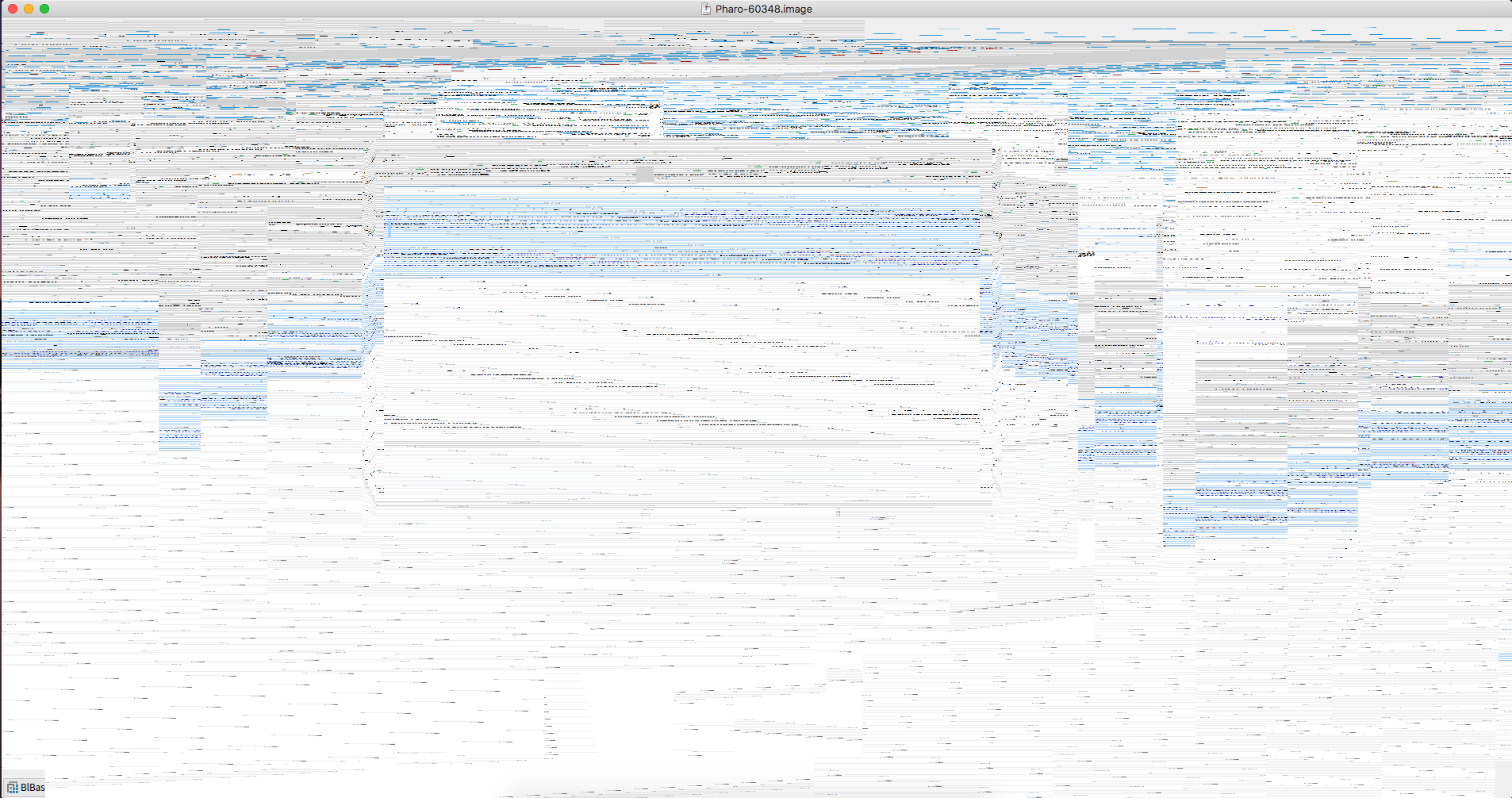
OpenGL context created with default framebuffer:
[image: Inline images 1]
If I create a headless context than screen just freezes until I resize (after resize it recreates context making it current). Also, window is a black (or sometimes white) when launching pharo until I click.
It definitely looks like Pharo window plays with OpenGL, probably it tries to render morphic in a GL texture and then display it with acceleration: scaled pharo world became sharper on retina and strange lines after dragged window are in the past. Also, rendering performance on retina is dramatically improved.
All those improvements are great, but please make GL context current ( *glXMakeCurrent) *every frame. Thanks!

it works for me (couple of bugs around in the examples) in macOS sierra in latest Pharo 6.0 in latest Pharo VM Esteban
On 21 Jan 2017, at 17:42, Aliaksei Syrel <alex.syrel@gmail.com> wrote:
To not forget, OSWindow also does not work anymore. Ronnie has minheadless 64bit VM that solves the issue with OSWindow. Would be nice to have it for 32bit too.
It is great to see how VM is progressing! :)
Cheers, Alex
On 21 January 2017 at 17:35, Aliaksei Syrel <alex.syrel@gmail.com <mailto:alex.syrel@gmail.com>> wrote: Hi
Latest Pharo VM + image (from year 2017, middle of January) changed the way how main window is managed and created (without any announcement).
Something is really messed up, because I can not create an OpenGL context.
OpenGL context created with default framebuffer:
<Screen Shot 2017-01-21 at 17.27.49.png>
If I create a headless context than screen just freezes until I resize (after resize it recreates context making it current). Also, window is a black (or sometimes white) when launching pharo until I click.
It definitely looks like Pharo window plays with OpenGL, probably it tries to render morphic in a GL texture and then display it with acceleration: scaled pharo world became sharper on retina and strange lines after dragged window are in the past. Also, rendering performance on retina is dramatically improved.
All those improvements are great, but please make GL context current (glXMakeCurrent) every frame. Thanks!

The window display seems to be OK on Fedora and Ubuntu (32-bit) for 60+vmLatest -- Pavel 2017-01-23 8:57 GMT+01:00 Esteban Lorenzano <estebanlm@gmail.com>:
it works for me (couple of bugs around in the examples)
in macOS sierra in latest Pharo 6.0 in latest Pharo VM
Esteban
On 21 Jan 2017, at 17:42, Aliaksei Syrel <alex.syrel@gmail.com> wrote:
To not forget, OSWindow also does not work anymore. Ronnie has minheadless 64bit VM that solves the issue with OSWindow. Would be nice to have it for 32bit too.
It is great to see how VM is progressing! :)
Cheers, Alex
On 21 January 2017 at 17:35, Aliaksei Syrel <alex.syrel@gmail.com> wrote:
Hi
Latest Pharo VM + image (from year 2017, middle of January) changed the way how main window is managed and created (without any announcement).
Something is really messed up, because I can not create an OpenGL context.
OpenGL context created with default framebuffer:
<Screen Shot 2017-01-21 at 17.27.49.png>
If I create a headless context than screen just freezes until I resize (after resize it recreates context making it current). Also, window is a black (or sometimes white) when launching pharo until I click.
It definitely looks like Pharo window plays with OpenGL, probably it tries to render morphic in a GL texture and then display it with acceleration: scaled pharo world became sharper on retina and strange lines after dragged window are in the past. Also, rendering performance on retina is dramatically improved.
All those improvements are great, but please make GL context current ( *glXMakeCurrent) *every frame. Thanks!

On 23/01/2017 08:57, Esteban Lorenzano wrote:
it works for me (couple of bugs around in the examples)
in macOS sierra in latest Pharo 6.0 in latest Pharo VM
Esteban
I have a white screen until I click macOS ElCaptain Pharo 6.0 latest Pharo VM -- Cyril Ferlicot http://www.synectique.eu 2 rue Jacques Prévert 01, 59650 Villeneuve d'ascq France
2017-01-23 9:51 GMT+01:00 Cyril Ferlicot D. <cyril.ferlicot@gmail.com>:
On 23/01/2017 08:57, Esteban Lorenzano wrote:
it works for me (couple of bugs around in the examples)
in macOS sierra in latest Pharo 6.0 in latest Pharo VM
Esteban
I have a white screen until I click
macOS ElCaptain Pharo 6.0 latest Pharo VM
same here (El Captain 10.11.3) -- Pavel
-- Cyril Ferlicot
2 rue Jacques Prévert 01, 59650 Villeneuve d'ascq France
participants (4)
-
 Aliaksei Syrel
 -
 Cyril Ferlicot D.
 -
 Esteban Lorenzano
 -
 Pavel Krivanek